Stamp Collector Image Database Software
Please see the new 2016 Stamp Database Professional here
Professional version including links reports & contacts TESTED 100% COMPATIBLE WITH ANY WINDOWS XP VISTA or Windows 7/8/10/11.
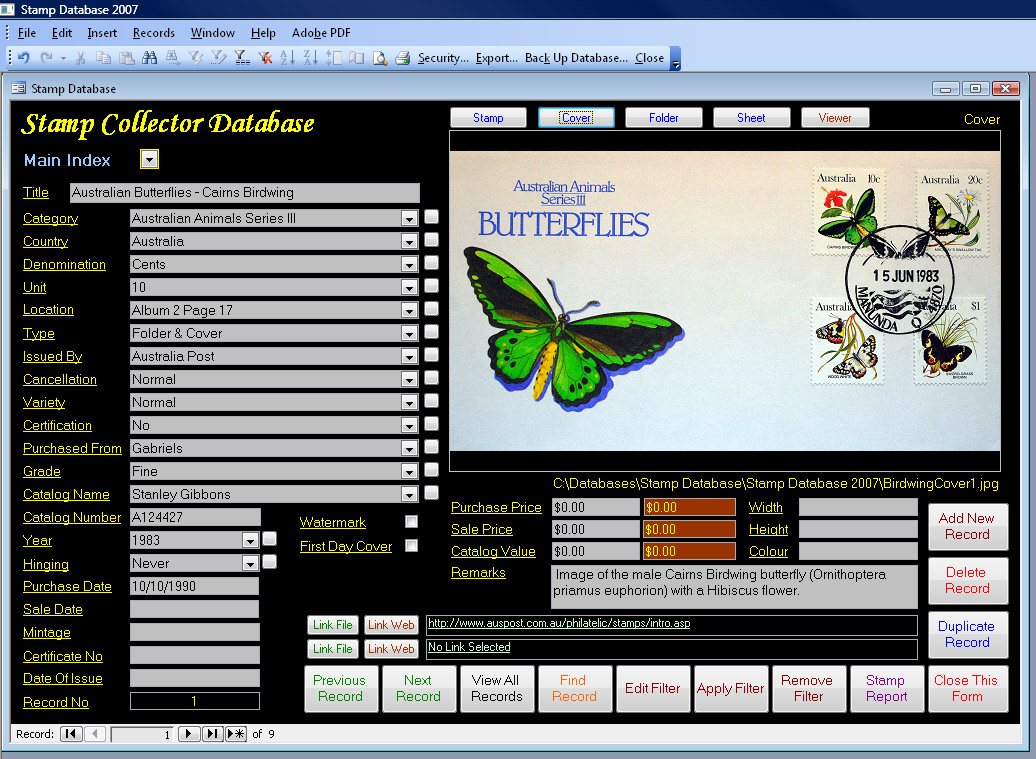
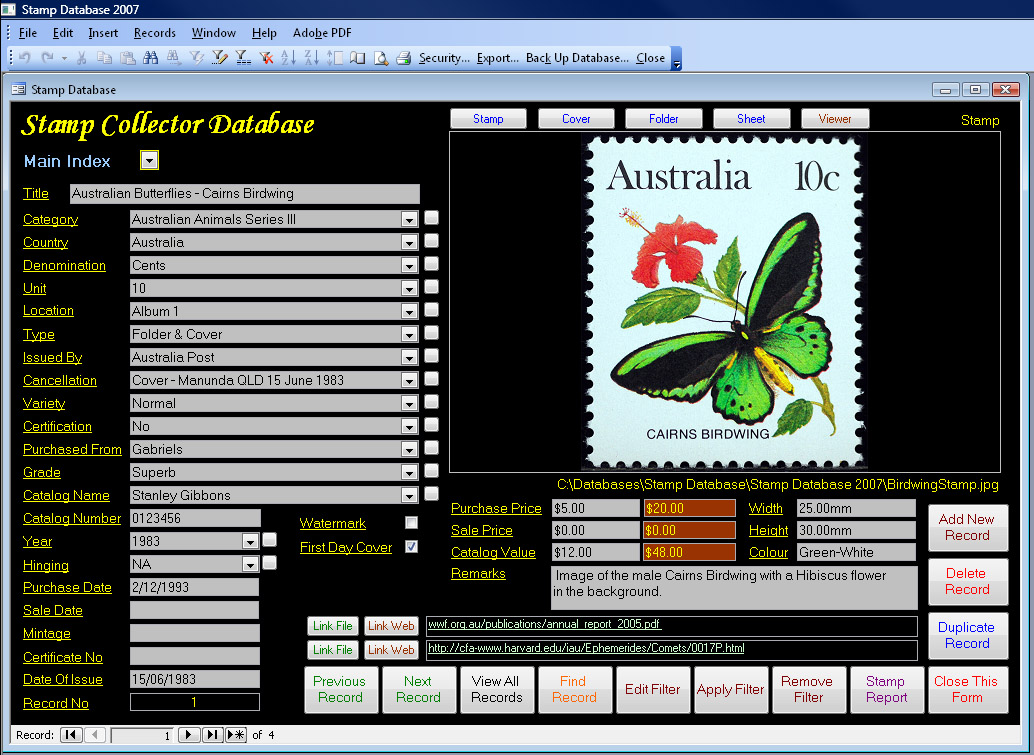
- Large images can be used. Images inserted are automatically resized to fit frame and can be viewed in their own window using the viewer function.
- Simple image insertion. Just click once on the imagefield and select your file.
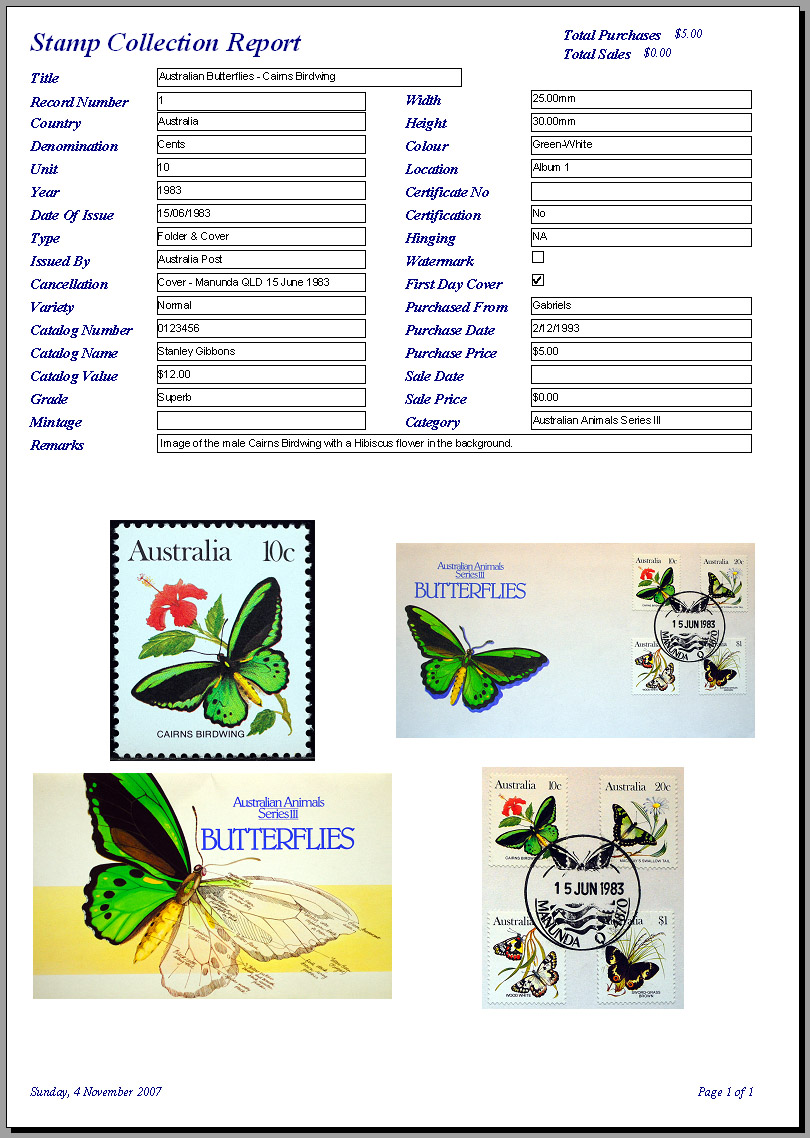
- Report including images. View the report on screen or print out. Report can be filtered to display selected records.
- Report including images. View the report on screen or print out. Report can be filtered to display selected records.
- Export your record data to Excel files (.xls), text files (.txt .csv .tab .asc), html, rtf, xml or to another Access database (.mdb .mde)
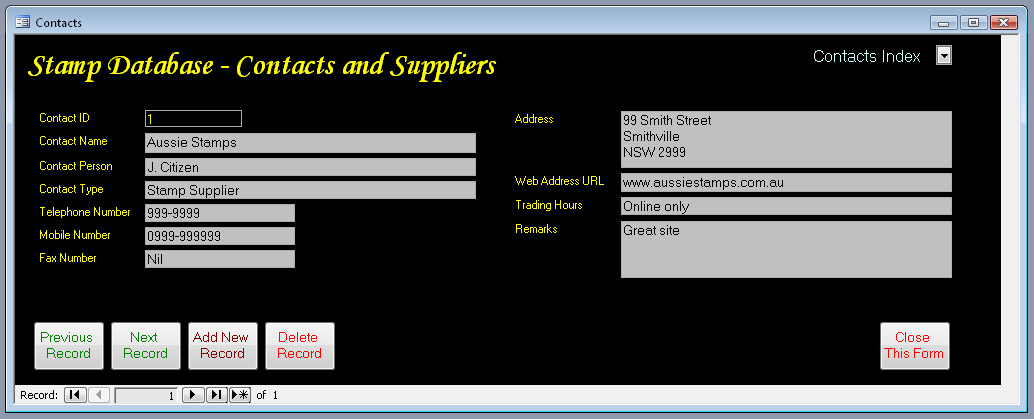
- Backup the main database file easily using the built in backup feature Contacts and suppliers database to keep track of all your stamp collecting associations and people.
- Viewer button which launches default windows image viewer to view the currently displayed image in a larger window.
- 2 links per record where you can add weblinks or links to files on your PC such as video, pdf, doc, text audio etc.
- Database capacity is a staggering 2 million records, enough to cater for even the largest collection.
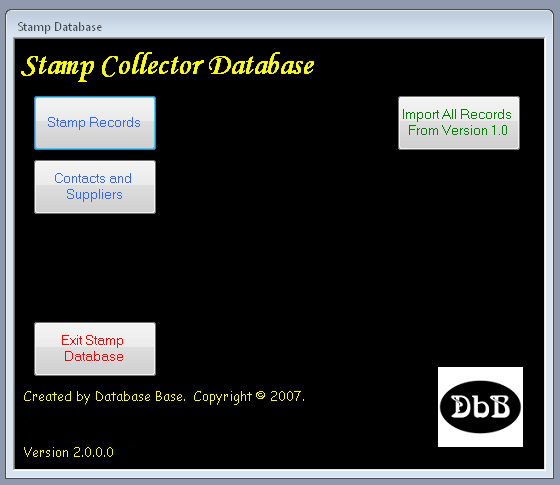
- Import Feature where you can import your records from version 1.0 of this database.
- View your stamps at greater than normal size without a magnifier.
- Ideal to keep track of your collection & for insurance
- Allows you to keep a record of your stamps, first day covers and folders/booklets/sheets in one simple to use package.
- Records have large image fields (550 x 340 pixels) which show good detail for your stamp, first day cover and the folder, allowing the insertion of your images and easy viewing.
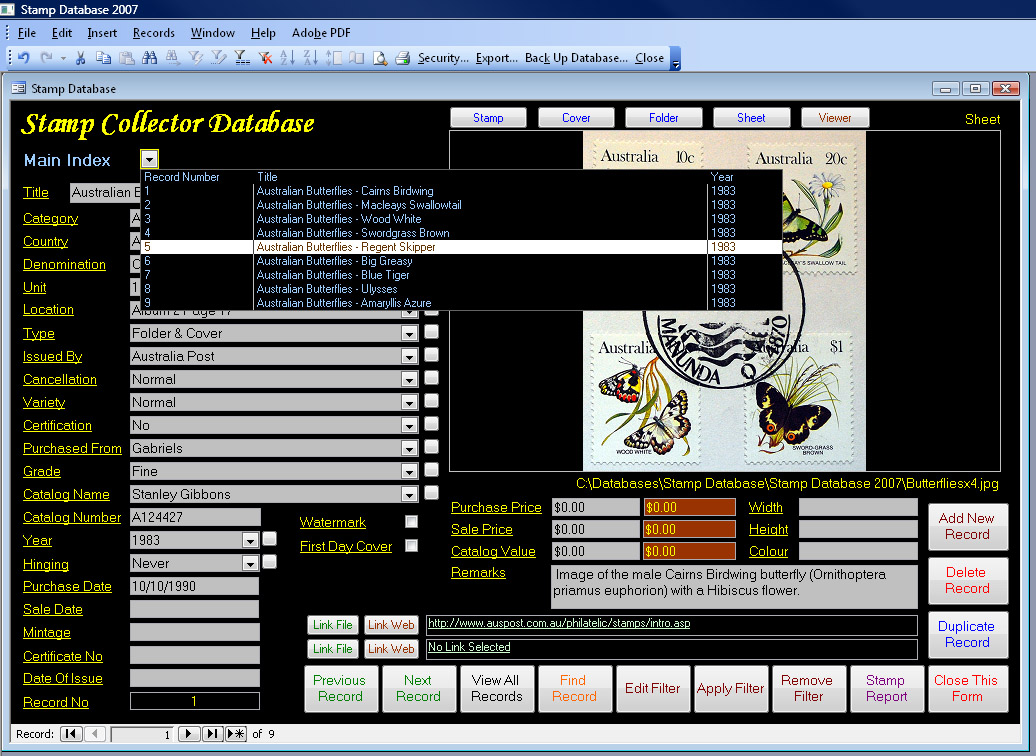
- Index on title field for fast record retrieval.
- Enter duplicate records easily using the duplicate record feature which creates a copy of the current record and saves data entry time where multiple same records are entered.
- Fields for Title, Category, Country, Denomination, Unit, Location, Type, Issued By, Cancellation, Variety, Certification, Purchased From, Grade, Catalog Name, Catalog Number, Purchase Date, Sale Date, Mintage, Certificate Number, Year, Hinging, Date of Issue, Purchase Price, Sale Price, Catalog Value, Width, Height, Colour, and checkboxes for Watermark and First Day Cover.
- There are also running totals for the whole collection for Purchase Price, Sale Price and Catalog Value.
- Drop down menus can be edited easily by the user, allowing easy access to your commonly used data
- A find record facility and filters can also be used to filter on one or more fields.
- A must for serious stamp collectors.
- CDROM Suitable for Windows 2000 SP3 or later including any Windows XP Windows Vista and Windows 7/8/10/11. Also compatible with 64 bit Windows versions.
- Not suitable for Windows 8 RT.
- Screen size 1024 x 768.
- International buyers strictly Paypal ONLY.
After payment is received the program can me made available by download to purchasers of the CD or USB so you may commence using it before you receive the CD or USB by post. Please contact me by clicking here and letting me know that you want the download
Price $27.00AUD
Bank deposit payment available to Australian purchasers.
Please contact me by clicking here for details.
Paypal Checkout
(For purchasers who do not have Paypal: Payment can also be made by credit card or debit card through Paypal checkout without joining Paypal)
Supply by download only
—————————————————————————————————————————————————————————————-
For anything posted please ensure that your postal address in Paypal checkout is correct prior to purchase or advise me using the email on the Contact Us page.
Supplied by posted CDROM
—————————————————————————————————————————————————————————————-
Supplied by posted USB
Click on screenshots below to view full size